How to Install IPTV Smarters Pro on Smart TV in 2026 (Complete Guide + Setup + Error Fixes)
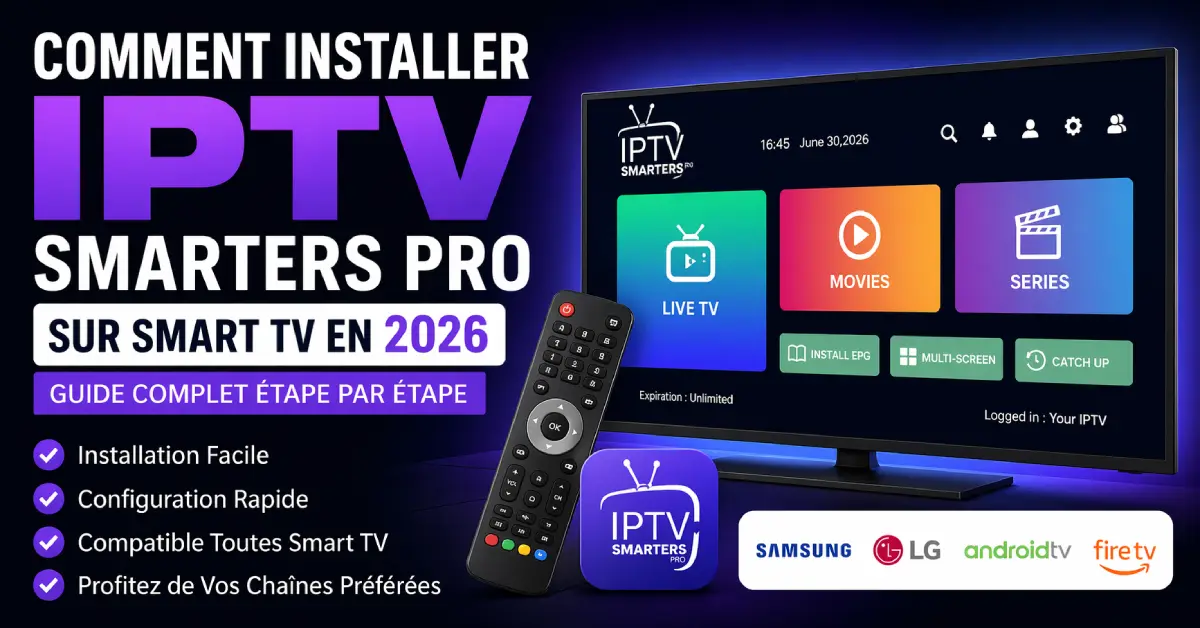
In this complete 2026 guide, we explain step by step how to install IPTV Smarters Pro on a Smart TV. This app is one of the most widely used IPTV solutions for watching TV channels, movies and series on Smart TV.
🟣 Introduction
In this complete 2026 guide, we explain step by step how to install IPTV Smarters Pro on a Smart TV. This app is one of the most widely used IPTV solutions for watching TV channels, movies and series on Smart TV.
Whether you use a Samsung, LG or Android TV, this guide will help you install and set up IPTV Smarters Pro easily.
🟢 What is IPTV Smarters Pro?
IPTV Smarters Pro is an IPTV app that plays TV streams over the Internet. It supports:
Live TV
VOD (movies and series)
Catch-up TV
Multi-screen
It is compatible with several systems such as Android TV, Firestick and Smart TV.
🔵 Why use IPTV Smarters Pro?
IPTV Smarters Pro is popular thanks to:
A simple, modern interface
Smart TV compatibility (Samsung, LG, Android TV)
Support for M3U lists and Xtream Codes
Smooth channel playback
Organisation by category
🟡 Installation on Android TV
Open the Google Play Store
Search for IPTV Smarters Pro
Click Install
Open the app
🟠 Installation on Samsung Smart TV
Samsung does not always support the app directly.
Solution:
Use an Android TV Box
Or install it using an external method (APK)
🔴 Installation on LG Smart TV
The app may not be available on the LG Content Store.
Solution:
Use a Firestick or Android Box
Or use an LG-compatible IPTV app
⚙️ Setting up IPTV Smarters Pro
After installation:
Open the app
Choose “Login with Xtream Codes API”
Enter:
Username
Password
Server URL
Click Login
🧩 Common problems and solutions
❌ IPTV is not working
✔ Check your internet connection
✔ Check your IPTV subscription
❌ Channels are not loading
✔ Restart the app
✔ Change IPTV server
❌ The app is slow
✔ Use a fibre or 5G connection
🔐 Important tip
Using a VPN can help to:
Improve stability
Avoid network blocking
Secure your connection
📺 Compatibility
IPTV Smarters Pro works on:
Smart TV
Android TV
Firestick
Smartphones
Windows PC / Mac
❓ FAQ
Is IPTV Smarters Pro free?
Yes, the app is free but requires an IPTV subscription.
Does it work on all Smart TVs?
Yes, but some require an external device.
Is it legal?
It depends on the IPTV provider you use.
🟢 Conclusion
Installing IPTV Smarters Pro on Smart TV is simple if you follow the right steps. With this 2026 guide, you can turn your TV into a true streaming centre.
🔑 SEO keywords
IPTV Smarters Pro Smart TV, install IPTV 2026, IPTV installation guide, IPTV on Samsung Smart TV, IPTV on LG Smart TV, IPTV Smart TV app