Jelvi IPTV Player: Complete Guide to the Modern IPTV Player in 2026
Discover Jelvi IPTV Player in 2026: installation, features, Android TV and Smart TV compatibility, and use with M3U/M3U8 IPTV playlists. A complete guide.
Introduction
With the evolution of streaming and connected television, users today are looking for simple ways to watch their favourite content on Smart TV, Android TV, Fire Stick or smartphones. Among the popular IPTV apps, Jelvi IPTV Player stands out as a modern player that makes it easy to play IPTV playlists in M3U and M3U8 format.
Unlike some IPTV services, Jelvi Player is not a channel provider: it is only a media player app. Users must import their own IPTV playlist or their own access codes to use the app.
What is Jelvi IPTV Player ?
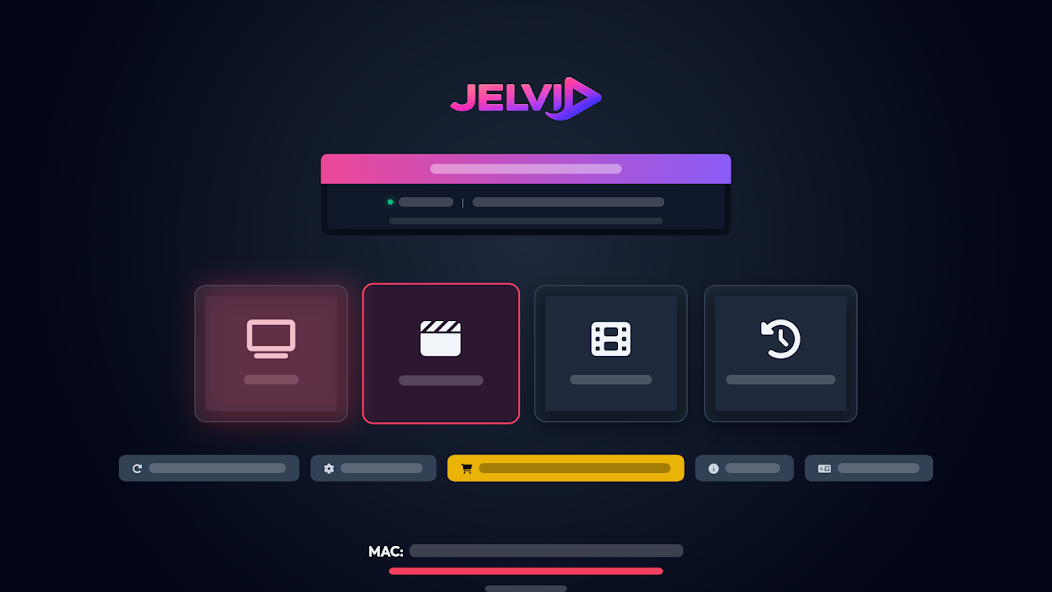
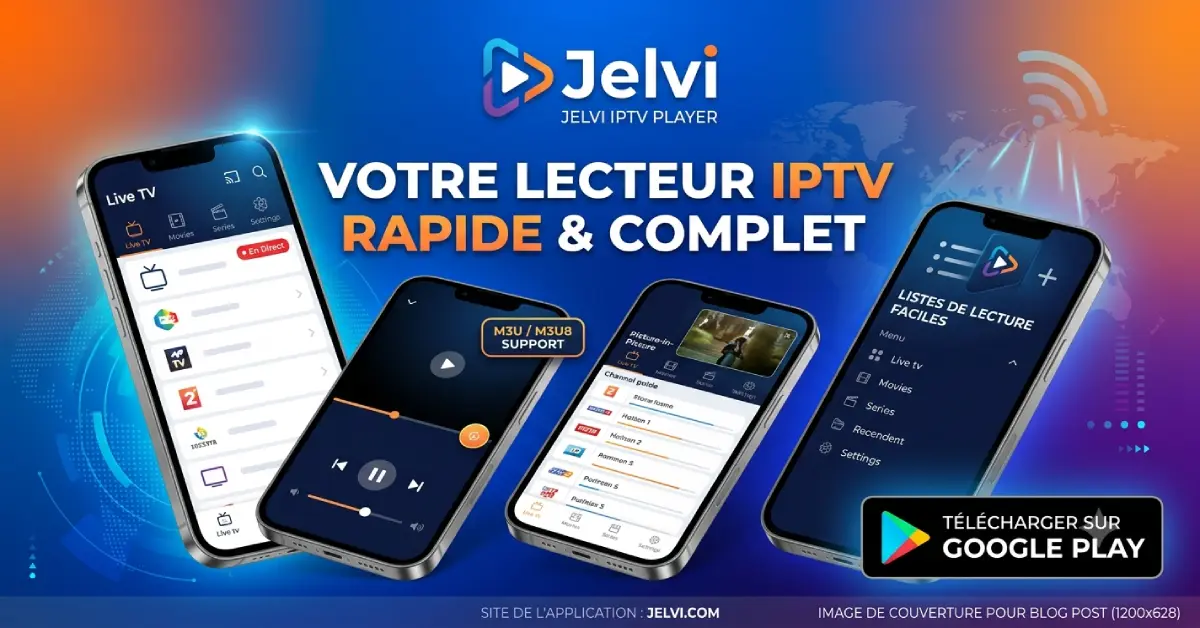
Jelvi IPTV Player is an app designed to offer a smooth streaming experience on different devices. It lets users load their IPTV playlists and organise their content, such as live TV channels, movies and series available in their subscription or personal playlist.
The app is available on several platforms, such as:
Android TV
Android smartphones
Tablets
Fire TV / Fire Stick
Compatible Smart TVs
The main features of Jelvi Player
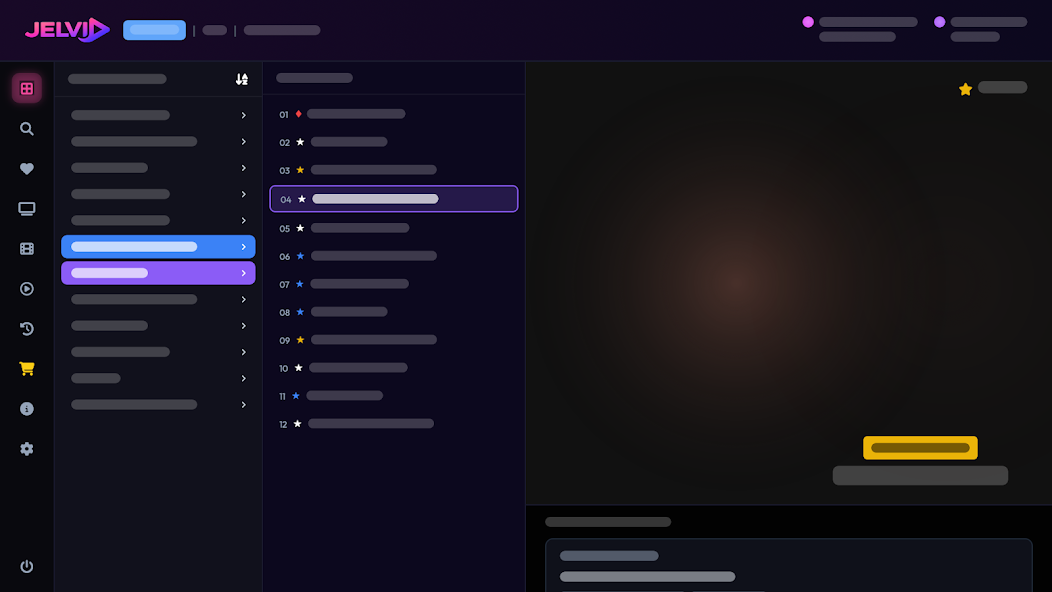
Support for M3U and M3U8 IPTV playlists
Jelvi IPTV Player supports the popular formats used by IPTV services, including M3U and M3U8 playlists, which makes it easy to add channels and content.
Simple, fast interface
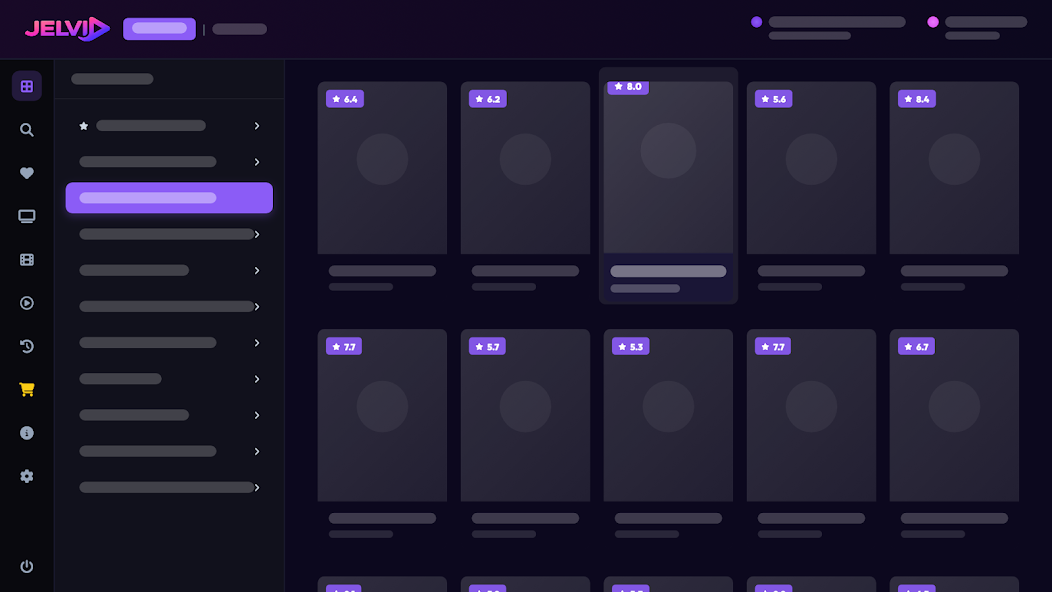
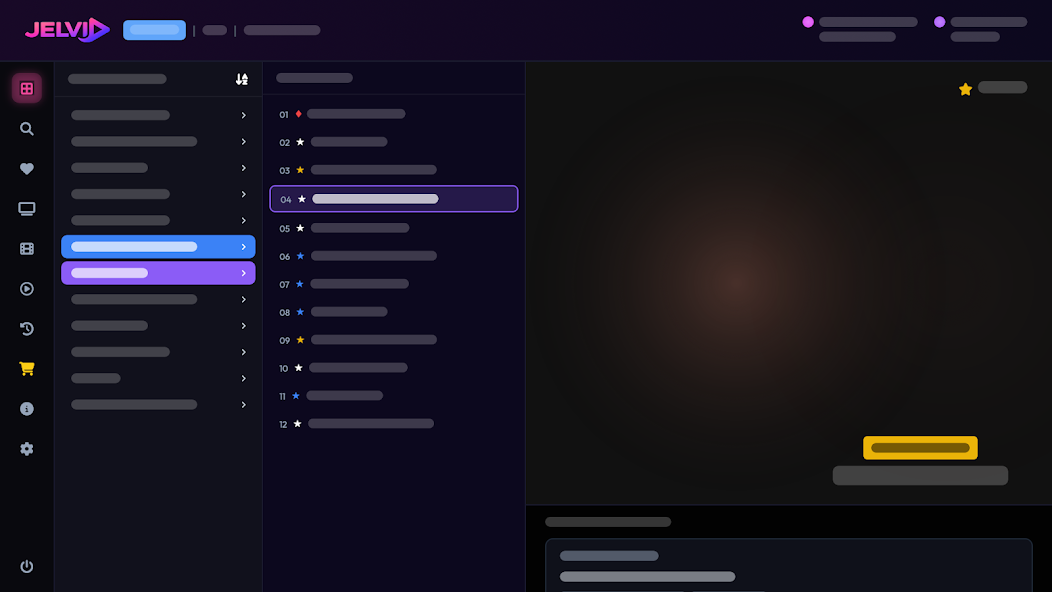
The app focuses on easy navigation with an interface suited to TV screens and mobile devices, giving quick access to categories and content.
Smooth playback
Thanks to its optimised video player, Jelvi Player delivers comfortable playback of IPTV streams with an experience suited to modern streaming.
Favourites and resume playback
Users can organise their favourite content and resume some programmes where they left off, depending on the features available in the app.
Parental control
Jelvi Player also offers options designed for family use, with parental control features.
How to install Jelvi IPTV Player?
Installation is simple:
Open the Google Play Store on Android TV or smartphone
Search for "Jelvi IPTV Player"
Install the official app
Add your M3U IPTV playlist or your login details
Start watching your content
Is Jelvi IPTV Player free?
The app can be downloaded for free. It works as a media player: it does not directly provide TV channels or an IPTV subscription. Users must have their own content or compatible service.
Why choose Jelvi Player in 2026?
In 2026, users are mainly looking for:
a fast IPTV app
good Smart TV compatibility
a simple interface
stable playback
easy playlist management
Jelvi Player meets these needs with an approach focused on IPTV playback and ease of use.
What is Jelvi IPTV Player?
Jelvi IPTV Player: a simple, high-performance IPTV app
The main features of Jelvi Player
How to install Jelvi IPTV Player on Android TV?
How to add an M3U IPTV playlist to Jelvi Player?
Is Jelvi IPTV Player compatible with Smart TV and Fire Stick?
Benefits of Jelvi IPTV Player in 2026
Difference between Jelvi Player and an IPTV subscription
Common problems with Jelvi IPTV Player and solutions
Conclusion
Jelvi IPTV Player is an interesting solution for people who want to use a modern IPTV app to manage their playlists on different devices. Because it works purely as a player, it can be used flexibly with your own IPTV sources.
If you are looking for an IPTV player compatible with M3U/M3U8, easy to install and suited to Smart TVs, Jelvi Player is one of the apps to discover in 2026.
SEO keywords:
Jelvi IPTV Player, download Jelvi Player, IPTV app Android, best IPTV player 2026, IPTV Smart TV, M3U player, IPTV Player Android TV