How to Install XCIPTV on Smart TV: Complete IPTV Guide 2026
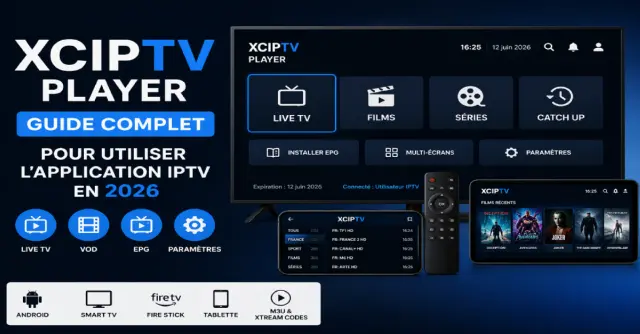
More and more users want to watch their favourite channels directly on their Smart TV with IPTV. One of the most popular apps for this is XCIPTV Player, a fast, modern and easy-to-use IPTV app.
How to Install XCIPTV on Smart TV: Complete IPTV Guide 2026
Introduction
More and more users want to watch their favourite channels directly on their Smart TV with IPTV.
One of the most popular apps for this is XCIPTV Player, a fast, modern and easy-to-use IPTV app.
In this complete guide, you will learn how to install XCIPTV on Smart TV, how to set up your IPTV subscription and how to enjoy smooth IPTV streaming on your television.
What is XCIPTV Player?
XCIPTV Player is an IPTV app that plays IPTV playlists supplied by an IPTV provider.
It is very popular because it offers:
a modern interface
a fast video player
compatibility with M3U IPTV
support for Xtream Codes IPTV
a built-in TV guide (EPG).
Thanks to these features, XCIPTV is one of the best IPTV apps for Smart TV.
Why use XCIPTV on Smart TV?
Big-screen experience
Installing IPTV on a Smart TV lets you watch channels on a bigger screen with better video quality.
Easy navigation
The XCIPTV Player interface is optimised for the remote control, making it easy to browse between:
IPTV channels
movies
series
VOD.
Stable streaming
The app is optimised to deliver stable IPTV streaming with less buffering.
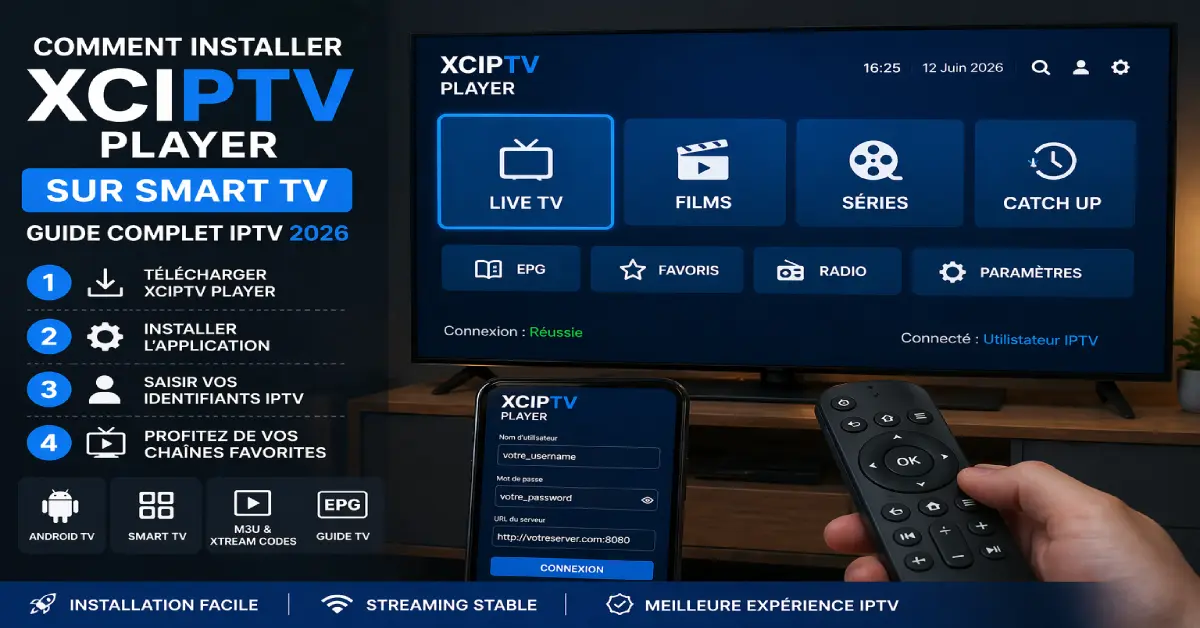
How to install XCIPTV on Smart TV
Method 1: installation via Android TV
If your Smart TV runs Android TV, installation is very simple.
Step 1
Open the Google Play Store on your Smart TV.
Step 2
Search for the app:
XCIPTV Player
Step 3
Click Install.
Step 4
Once installed, open the app.
Method 2: install XCIPTV via APK
If the app is not available in your Smart TV's store, you can install it from an APK file.
Steps
Download the XCIPTV APK
Copy the file to a USB stick
Plug the USB stick into your Smart TV
Install the app manually.
How to set up XCIPTV with your IPTV subscription
After installing XCIPTV Player, you need to add your IPTV subscription.
Step 1
Open the XCIPTV app.
Step 2
Choose Login with Xtream Codes API.
Step 3
Enter the details provided by your IPTV provider:
Username
Password
Server URL.
Step 4
Click Login.
The app will automatically load:
IPTV channels
movies
series
the TV guide.
Benefits of using XCIPTV on Smart TV
✔ fast IPTV app
✔ compatible with Android TV and Smart TV
✔ supports M3U IPTV and Xtream Codes
✔ modern interface
✔ stable IPTV streaming
✔ access to live channels and VOD.
Tips to improve your IPTV experience
To enjoy the best IPTV streaming on Smart TV:
use a fast internet connection (at least 20 Mbps)
use an Ethernet connection if possible
update the app regularly
choose a stable IPTV service.
Conclusion
Installing XCIPTV Player on Smart TV is an excellent way to watch IPTV easily on your television.
Thanks to its intuitive interface and compatibility with M3U IPTV and Xtream Codes, this app delivers a smooth and enjoyable streaming experience.
If you want to enjoy your favourite IPTV channels on the big screen, XCIPTV Player remains one of the best options available.
Targeted SEO keywords
Add them to your SEO plugin:
install XCIPTV on Smart TV
XCIPTV Smart TV
IPTV Smart TV app
IPTV Smart TV installation
IPTV Android TV
IPTV player Smart TV
XCIPTV Player installation
IPTV M3U Smart TV
Xtream Codes IPTV
best IPTV app.