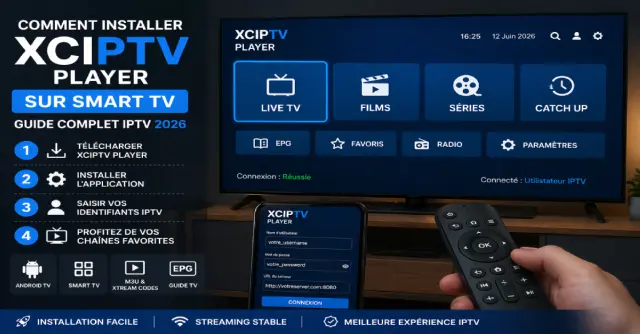
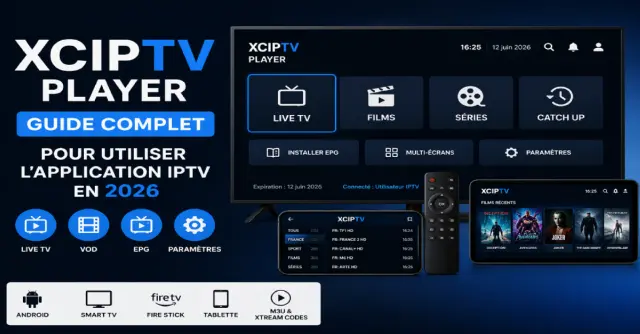
How to Install the Flix IPTV App: Complete Guide in 5 Easy Steps
Want to install Flix IPTV to stream your favourite TV channels? Follow our detailed guide for a quick, hassle-free installation.

What is Flix IPTV?
Flix IPTV is a popular application that gives you access to a wide range of TV channels and video content over the Internet. Before you start the installation, make sure you have a valid subscription with an IPTV service provider.
Step 1: Download the app
Go to the official Flix IPTV website or a trusted app store.
Search for "Flix IPTV" and download the version compatible with your device (Android, iOS, Smart TV, etc.).
Step 2: Install the app
Once the download is complete, open the installation file.
Follow the on-screen instructions to install the app on your device.
Grant the necessary permissions if asked.
Step 3: Launch the app
After installation, find the Flix IPTV icon on your home screen or in your app list.
Tap the icon to launch the app.
Step 4: Set up your account
When the app opens, you will be asked to sign in or create an account.
Enter the login details provided by your IPTV service provider.
Step 5: Add your channel list
Once signed in, go to the app settings.
Look for the option to add a new channel list or an M3U stream.
Enter the M3U stream URL provided by your IPTV provider.
That's it! You are now ready to enjoy your favourite TV channels with Flix IPTV.
Conclusion
Installing Flix IPTV is a simple process that only takes a few minutes. By following these steps, you will quickly be able to access a wealth of TV content in streaming. Remember to check regularly for app updates so you benefit from the latest features and security improvements.
Enjoy your viewing experience with Flix IPTV!