Install IPTV Smarters Pro on MacBook and iMac: Quick and Easy Guide
Find out how to install IPTV Smarters Pro on MacBook and iMac with this detailed guide. Follow the simple steps for a smooth streaming experience.
Heading | Subheading |
|---|---|
1. Introduction | - What is IPTV Smarters Pro? |
- Why use IPTV Smarters Pro on MacBook and iMac? | |
2. Installation requirements | - System requirements for MacBook and iMac |
- Preparing for the installation | |
3. Downloading the app | - Where to download IPTV Smarters Pro for MacBook and iMac? |
4. Installing the app | - Step-by-step installation guide |
- Fixing common problems | |
5. Initial setup | - How to set up IPTV Smarters Pro after installation |
- Connecting to an IPTV service | |
6. Customising the app | - Changing settings for a better user experience |
- Managing profiles and users | |
7. Using the app | - Navigating the interface |
- Adding channels and playlists | |
8. Main features | - Streaming video playback |
- Managing EPGs (electronic programme guides) | |
- Recording TV programmes | |
9. Security and privacy | - How to stay safe when using IPTV |
- Protecting personal data | |
10. Updating the app | - How to keep IPTV Smarters Pro up to date |
11. Uninstalling and reinstalling | - How to uninstall IPTV Smarters Pro cleanly |
- Fixing reinstallation problems | |
12. Comparison with other IPTV apps | - Pros and cons compared with alternatives |
13. Tips and practical advice | - Tips to get the most out of it |
- Improving streaming quality | |
14. Frequently asked questions (FAQ) | - Answers to common questions about installation and use |
15. Conclusion | - Summary of key points and call to action |
1. Introduction
What is IPTV Smarters Pro?
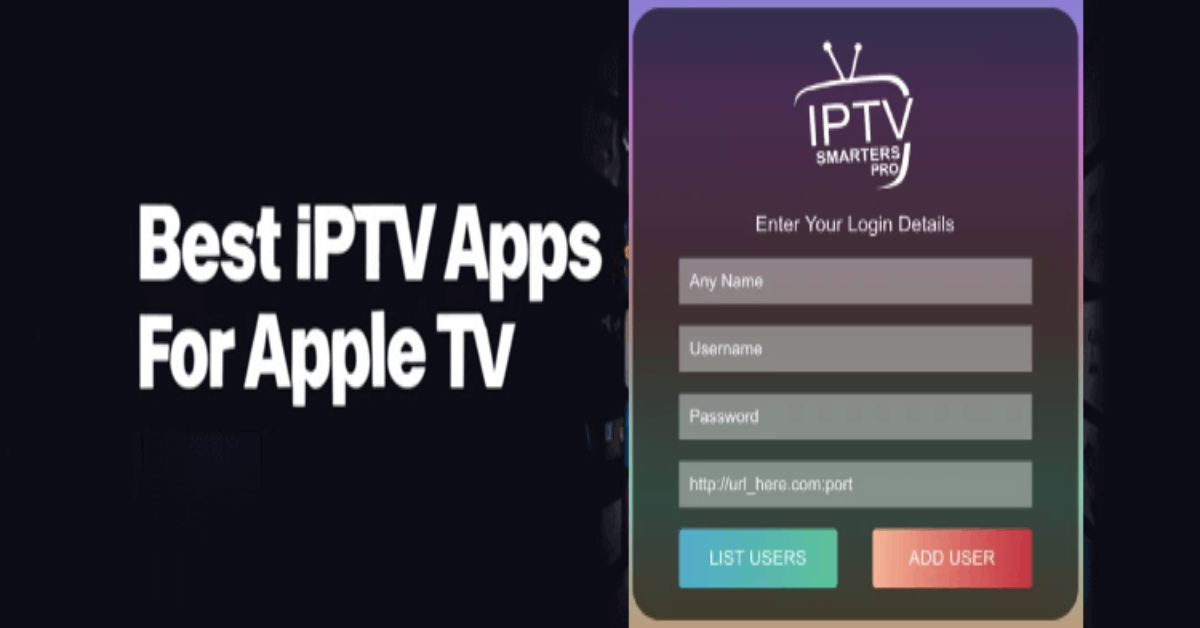
IPTV Smarters Pro is a popular app for streaming live TV channels, movies, series and sports events through IPTV services. Its user-friendly interface and many features make it ideal for IPTV users.
Why use IPTV Smarters Pro on MacBook and iMac?
Installing IPTV Smarters Pro on a MacBook or iMac gives you a smooth streaming experience on a larger screen. The app also gives easy access to streaming media without needing any extra hardware.
2. Installation requirements
System requirements for MacBook and iMac
Before installing IPTV Smarters Pro, it is important to check that your MacBook or iMac meets the following minimum requirements:
macOS 10.12 or later
Intel or Apple Silicon processor
4 GB of RAM (8 GB recommended for smooth streaming)
Preparing for the installation
Before you start, make sure you have a stable internet connection and an active IPTV service. You will need your login details (M3U playlist URL, EPG, etc.) to set up the app after installation.
3. Downloading the app
Where to download IPTV Smarters Pro for MacBook and iMac?
IPTV Smarters Pro is not available on the Mac App Store. You can download the app directly from the developer's official website or from trusted sources. Make sure you download the version compatible with macOS.
4. Installing the app
Step-by-step installation guide
Go to the official website and download the installation file for macOS.
Once the download is complete, open the .dmg file.
Drag the app icon into the "Applications" folder.
Open the app from your "Applications" folder.
Fixing common problems
If you run into problems during installation, check that your macOS is up to date. You can also allow apps from unidentified developers in the security settings.
5. Initial setup
How to set up IPTV Smarters Pro after installation
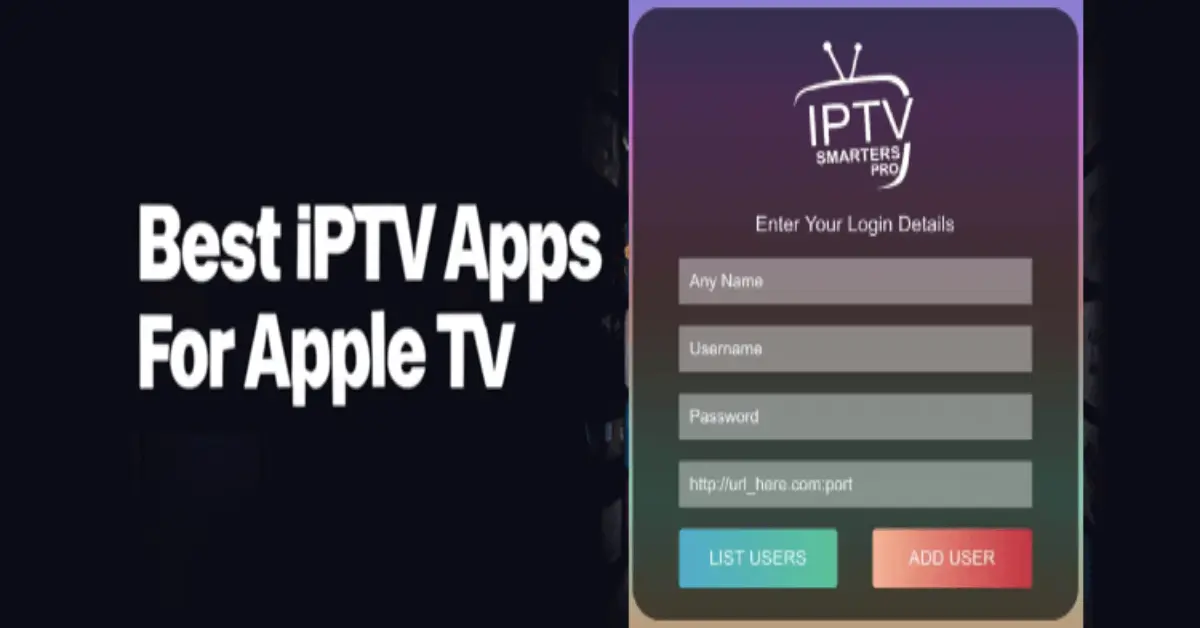
When you launch the app for the first time, you will be asked to enter your IPTV login details. Select the "Add user" option and enter your M3U playlist URL or your playlist file.
Connecting to an IPTV service
Once your details are entered, IPTV Smarters Pro will connect automatically to your IPTV service. You will then be able to access all your favourite channels, movies and series.
6. Customising the app
Changing settings for a better user experience
IPTV Smarters Pro lets you customise several settings such as language, video quality and subtitle display. Open the settings to adjust the app to your preferences.
Managing profiles and users
You can create profiles for each member of your family to personalise preferences and viewing history.
7. Using the app
Navigating the interface
The IPTV Smarters Pro interface is designed to be intuitive. You can quickly access live channels, movies, series and replays.
Adding channels and playlists
Add your favourite channels to the favourites section and import new playlists at any time from the settings.
8. Main features
Streaming video playback
IPTV Smarters Pro offers smooth video playback with options to adjust the quality to your internet connection.
Managing EPGs (electronic programme guides)
With EPGs, you can plan your viewing by checking TV programmes in advance.
Recording TV programmes
IPTV Smarters Pro lets you record your favourite shows to watch later.
9. Security and privacy
How to stay safe when using IPTV
Use a VPN to protect your online identity and encrypt your traffic when using IPTV Smarters Pro.
Protecting personal data
The app does not collect sensitive personal data, but it is always advisable to check your IPTV provider's privacy policy.
10. Updating the app
How to keep IPTV Smarters Pro up to date
Check the official website regularly for new updates and install them to get the latest features and security improvements.
11. Uninstalling and reinstalling
How to uninstall IPTV Smarters Pro cleanly
To uninstall IPTV Smarters Pro, drag the app to the Trash, then empty it.
Fixing reinstallation problems
If you have difficulty reinstalling, restart your Mac before trying again.
12. Comparison with other IPTV apps
Pros and cons compared with alternatives
IPTV Smarters Pro stands out for its intuitive interface and many features, but other apps such as GSE Smart IPTV may offer more customisation options.
13. Tips and practical advice
Tips to get the most out of it
Turn on automatic updates and use a VPN to ensure a smooth, secure streaming experience.
Improving streaming quality
For better quality, use an Ethernet connection rather than Wi-Fi, and choose an IPTV service known for stable streams.
14. Frequently asked questions (FAQ)
Is IPTV Smarters Pro free?
Yes, the app offers a free version with basic features. A paid version is also available for advanced options.
How do I add an M3U playlist?
You can add an M3U playlist by going to the "Add user" option and entering the playlist URL.
Can I use IPTV Smarters Pro on several devices?
Yes, you can use IPTV Smarters Pro on several devices, but this will depend on your IPTV subscription.
15. Conclusion
Installing IPTV Smarters Pro on a MacBook or iMac is a simple, effective way to access live TV channels and on-demand content. Follow this guide for a quick installation and hassle-free setup. For the best IPTV experience, keep the app up to date and use secure IPTV services.
16. Future outlook and practical applications
New IPTV features on the way
The IPTV market is evolving fast with the integration of new technologies such as 4K, artificial intelligence and cloud computing. Future updates of IPTV Smarters Pro may include features such as content recommendations based on your viewing habits or better cloud integration for easier programme recording.
Practical tips for optimal long-term use
To get the most out of IPTV Smarters Pro, it is recommended to:
Watch for updates: Regularly install new versions of the app to benefit from improvements and new features.
Use reliable IPTV services: Choose a reputable IPTV provider to avoid stream interruptions and ensure the best streaming quality.
Optimise your internet connection: Use a wired connection whenever possible, or choose a high-performance Wi-Fi router.
17. Conclusion
Summary of key points
Installing IPTV Smarters Pro on a MacBook or iMac is an ideal way to access a wide range of IPTV content. This quick guide lets you install, set up and optimise the app to make the most of its features. With a good IPTV service and a stable internet connection, IPTV Smarters Pro offers a smooth, personalised viewing experience.
Call to action
If you haven't already, try IPTV Smarters Pro today and discover how it can transform the way you watch TV on your Mac. For a successful installation and trouble-free use, follow the steps in this guide, and remember to keep your app up to date to enjoy the latest features.